Your Printers.
No Cloud.
Your Rules.
Bambuddy is a self-hosted command center for Bambu Lab 3D printers — from one A1 to a 40-printer farm. Monitor your fleet in real-time, archive every print automatically, slice and queue jobs locally, and take control of your 3D printing workflow.
Multi-Printer Works Offline Open Source
Try the Live Demo Get Started View on GitHub
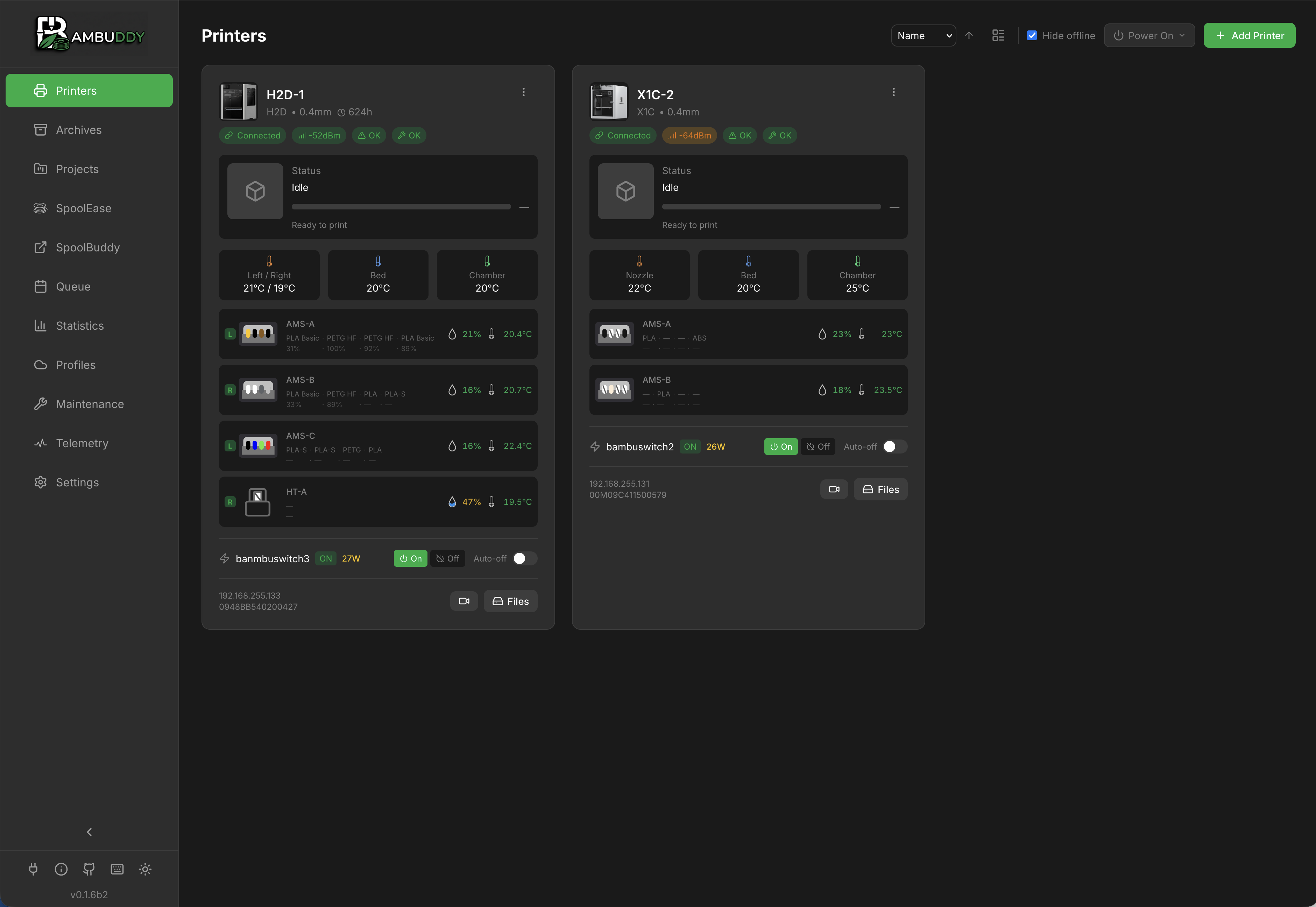
Try Bambuddy in your browser
A fresh, fully working Bambuddy instance spawns in ~10 seconds at demo.bambuddy.cool — no install, no signup, 30-minute session. Pre-loaded with simulated printers, archives, queue items, and inventory so every page has something to explore.
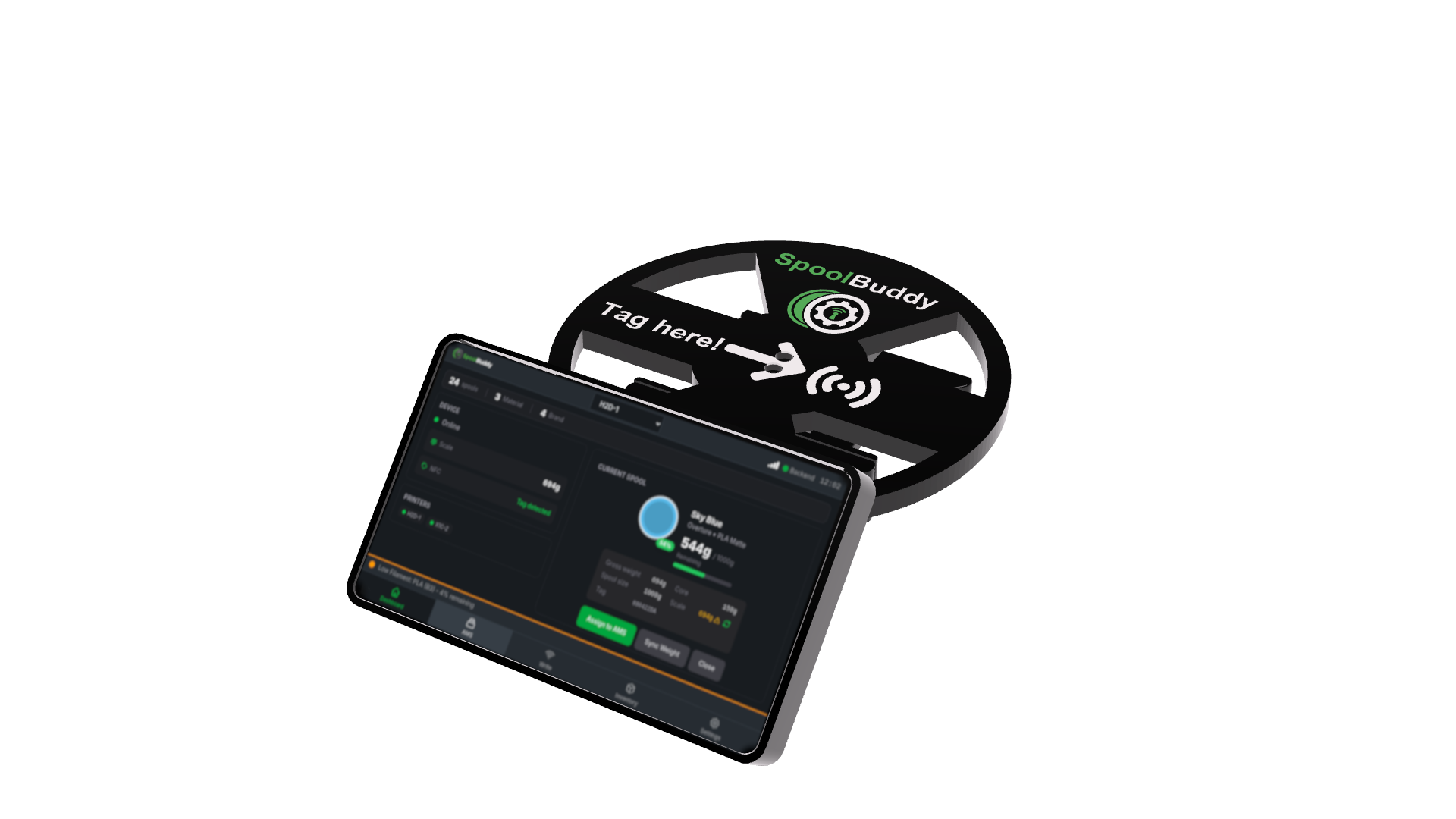
NEW: SpoolBuddy — NFC Spool Management
Tap. Identify. Track. SpoolBuddy is a dedicated hardware companion for Bambuddy — a Raspberry Pi-powered touchscreen kiosk with NFC reader and load cell that identifies your filament spools instantly.
- Works with any spool — Not just Bambu Lab — tag and track filament from any brand
- Write your own NFC tags — Assign any spool to a tag directly from the touchscreen
- Built-in scale — Real-time spool weight tracking with load cell
- 7" touchscreen kiosk — Dedicated always-on display for your print station
NEW: Integrated Slicing
Slice STL and 3MF files server-side — no desktop slicer needed. Bambuddy's optional slicer-api sidecar runs OrcaSlicer or Bambu Studio headlessly inside Docker. The Slice button in File Manager, Archives, and the MakerWorld page produces a ready-to-print .gcode.3mf in the same folder — one click away from dispatch.
- One-click Slice button — from File Manager, Archives, MakerWorld imports, and the print queue
- Bambu Studio Preset Bundles (.bbscfg) — import once, pick a curated printer + process + filament triplet from a dropdown for every slice
- Per-AMS-slot filament dropdowns — multi-color plates render one picker per slot the print actually uses, auto-matched against your imported / cloud / standard presets
- Headless-friendly — runs on your NAS, mini-PC, or RPi; no desktop slicer install needed for one-click print
- Reuses existing dispatch — sliced result drops into the library, ready for the plate picker, AMS mapper, and queue
Closes the workflow gap that kept users on a desktop machine just to slice a quick re-print.
 Remote Printing with Proxy Mode
Print from anywhere in the world! Bambuddy's new Proxy Mode acts as a secure relay between your slicer and printer.
 End-to-end TLS encryption — Your print data is encrypted from slicer to printer
 No cloud dependency — Direct connection through your own Bambuddy server
 Uses printer's access code — No additional credentials needed
 Full-speed printing — FTP and MQTT protocols proxied transparently
Perfect for remote print farms, traveling makers, or accessing your home printer from work.
 Quick Start
 Features
Print Archive
Automatic 3MF archiving with metadata extraction, 3D model preview, duplicate detection, and full-text search. Never lose a print file again.
Real-time Monitoring
Live printer status via WebSocket, MJPEG camera streaming, HMS error tracking, and AMS humidity/temperature monitoring with historical charts.
Statistics & Analytics
Customizable drag-and-drop dashboard with success rates, filament usage trends, cost tracking, time accuracy analysis, and failure correlation.
Scheduling & Automation
Print queue with drag-and-drop ordering, scheduled prints, smart plug integration (Tasmota, Home Assistant), auto power-on/off, and energy consumption tracking.
Push Notifications
Multi-provider alerts via WhatsApp, Telegram, Discord, Email, Pushover, ntfy, and custom webhooks. Quiet hours and daily digest support.
Integrations
Spoolman filament sync, Bambu Cloud profiles, K-profiles (pressure advance), external links, and a REST API with API key authentication.
 Supported Printers
| Series | Models |
|---|---|
| X1 Series | X1, X1 Carbon, X1E |
| H2 Series | H2D, H2D Pro, H2C, H2S |
| P1 Series | P1P, P1S |
| P2 Series | P2S |
| A1 Series | A1, A1 Mini |
 Tech Stack
Backend
Python FastAPI SQLAlchemy + SQLite
Frontend
React TypeScript Tailwind CSS
Communication
MQTT over TLS FTPS WebSocket
 Community
Join Discord
discord.gg/aFS3ZfScHM — community chat, Q&A, and guides
Found a Bug?
Feature Request?
Want to Contribute?
Help with Docs or the Forum?
Made with  for the 3D printing community